Automation
Control and safety systems, SCADA and plant data, programmed, tested and commissioned by I2R. One panel to plant-wide
ONE PANEL TO PLANT-WIDE
No job too small, none too large
6+ AUTOMATION ENGINEERS
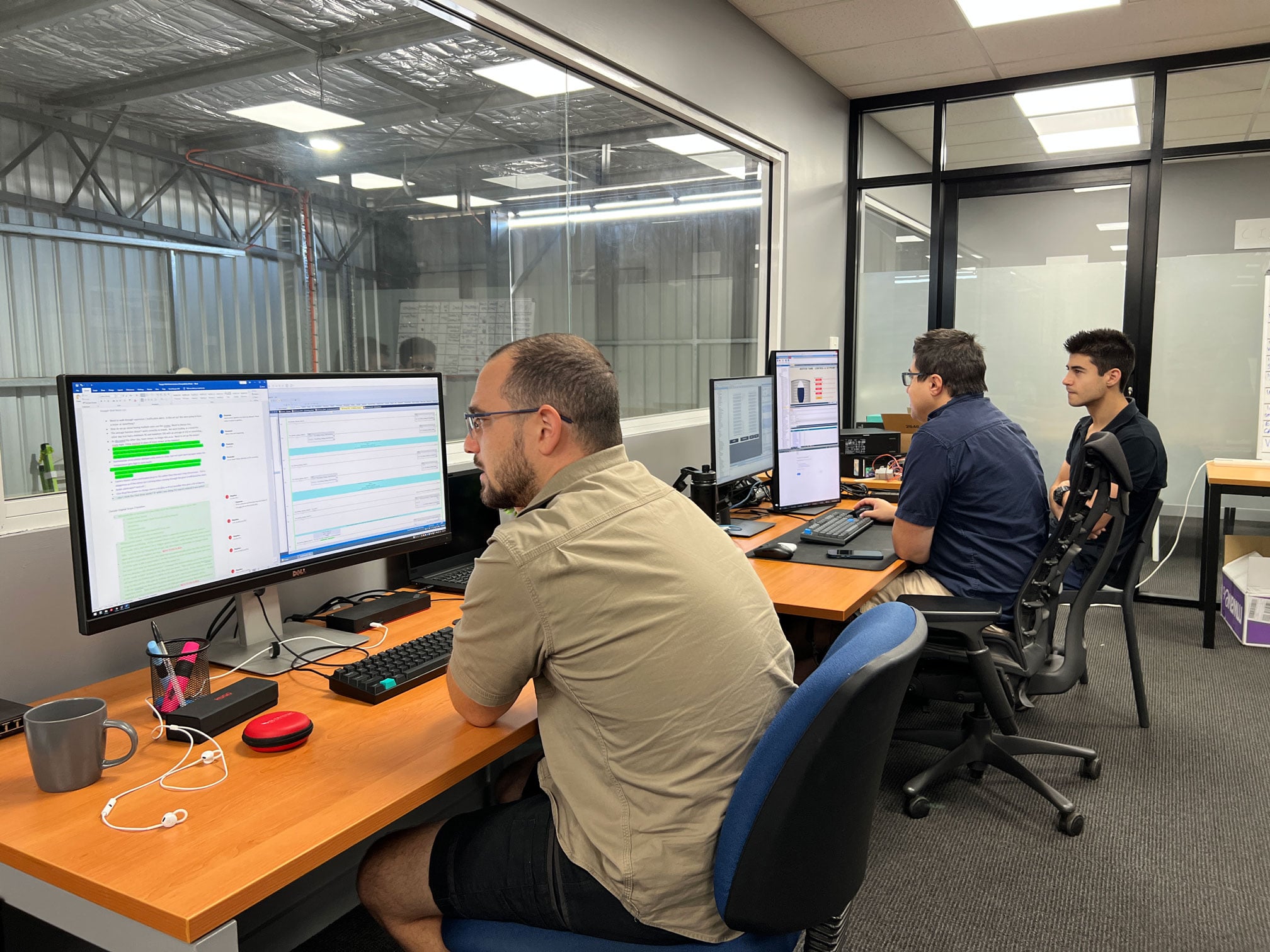
On the desk and in the field
BRISBANE AND RIVERINA
Teams on the ground when the job needs them







HOW CAN WE HELP?
Why automate with I2R
Standard AOIs and faceplates. One maintained library across your whole plant. Every motor, drive, valve and analogue behaves and reports the same way, so your maintenance crew learns it once.
Simulation before hardware. Sequences and interlocks run against a simulated process while the panel is still being wired. The faults surface at the desk, not on your plant floor.
100% QC before FAT. Reviewed by an engineer who did not write it, against a checklist that has to be complete before anything goes to factory testing. No exceptions, and yes, we are irritating about it.
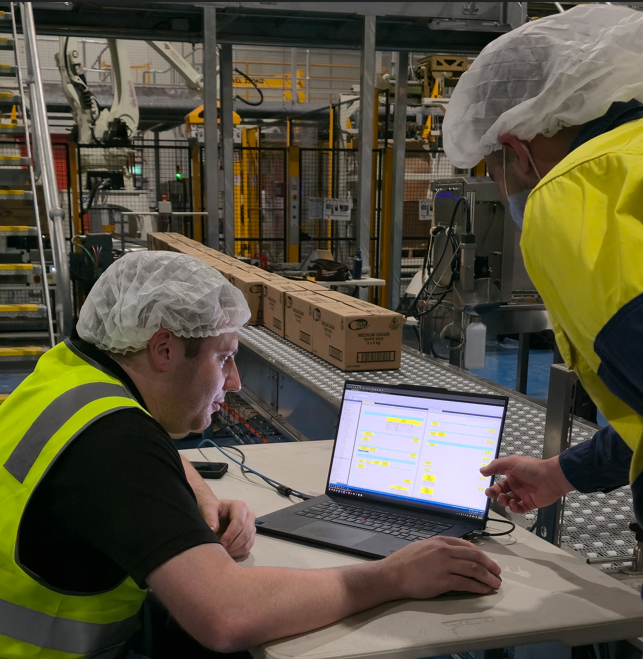
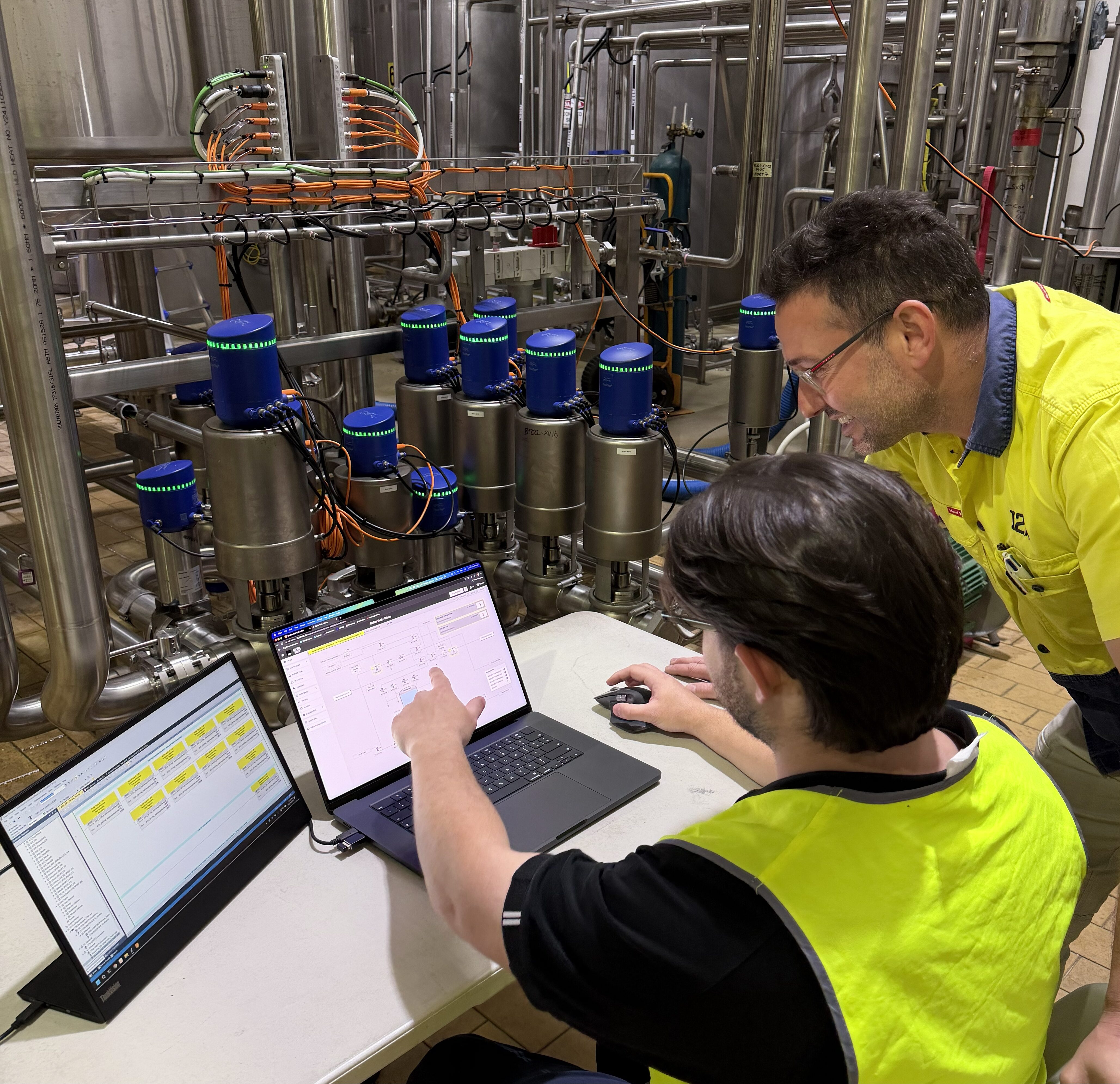
Loop checks and tuning on site. When needed, we are on the plant for the cutover: point to point, sequence proving, process tuning alongside your operators, then the same people on the phone afterwards.
Built the same way, every time
It is the thing we are best at, and we apply it to ourselves first.
Every device on the plant running alongside this page came out of the same maintained library. Same faceplate, same status lines, same controls in the same positions, used twice or two hundred times.
Simulated live The sequence manager driving the plant alongside this page.
| DESCRIPTION | STATUS | OVERRIDE |
|---|---|---|
| Suction valve open | OK | No |
| Discharge valve open | OK | No |
| Buffer tank above low level | OK | No |
| Local isolator closed | OK | No |
| Emergency stop healthy | OK | No |
| Drive ready | OK | No |
Detailed description: no fault present. The drive reports ready and running in auto.
| PRIORITY | LABEL | STATE |
|---|---|---|
| High | Failed to reach position | Cleared |
| Medium | Interlock not satisfied | Cleared |
| Diagnostic | Device in simulation | Cleared |
No active alarms on this device.
| PRIORITY | LABEL | STATE |
|---|---|---|
| High | Failed to reach position | Cleared |
| Medium | Interlock not satisfied | Cleared |
| Diagnostic | Device in simulation | Cleared |
No active alarms on this device.
| PRIORITY | LABEL | STATE |
|---|---|---|
| High | Failed to reach position | Cleared |
| Medium | Interlock not satisfied | Cleared |
| Diagnostic | Device in simulation | Cleared |
No active alarms on this device.
| ALARM | THRESHOLD | AUTO RESET DB | ON DELAY |
|---|---|---|---|
| Hi-Hi | 9.0 | 0.2 | 2.0 |
| Hi | 8.0 | 0.2 | 2.0 |
| Lo | 1.5 | 0.2 | 2.0 |
| Lo-Lo | 0.5 | 0.2 | 2.0 |
| Under Range | -0.2 | N/A | 2.0 |
| Over Range | 10.2 | N/A | As above |
Out of range alarms share the same on delay and auto reset when the signal returns inside the scaled range.
Standard objects
A maintained, version controlled library. Used twice or two hundred times, the behaviour is identical.
Standard graphics
One faceplate and mimic standard, to high performance principles, so an operator moving between lines sees the same thing.
Standard delivery
The same process, the same quality checklist and the same factory acceptance test on every project.
Or your standard
If you hold a site standard we build to it, and tell you where it fights the platform before we start rather than afterwards.
What we build
SCADA and Plant Data
The plant running in the margins of this page is built the way we build yours.
Ignition Perspective, licensed by server rather than by seat, running in a browser and on a phone. One project serving the control room, the office and the plant floor. Where a site already runs FactoryTalk View, CitectSCADA or ClearSCADA we develop and support on that platform instead.
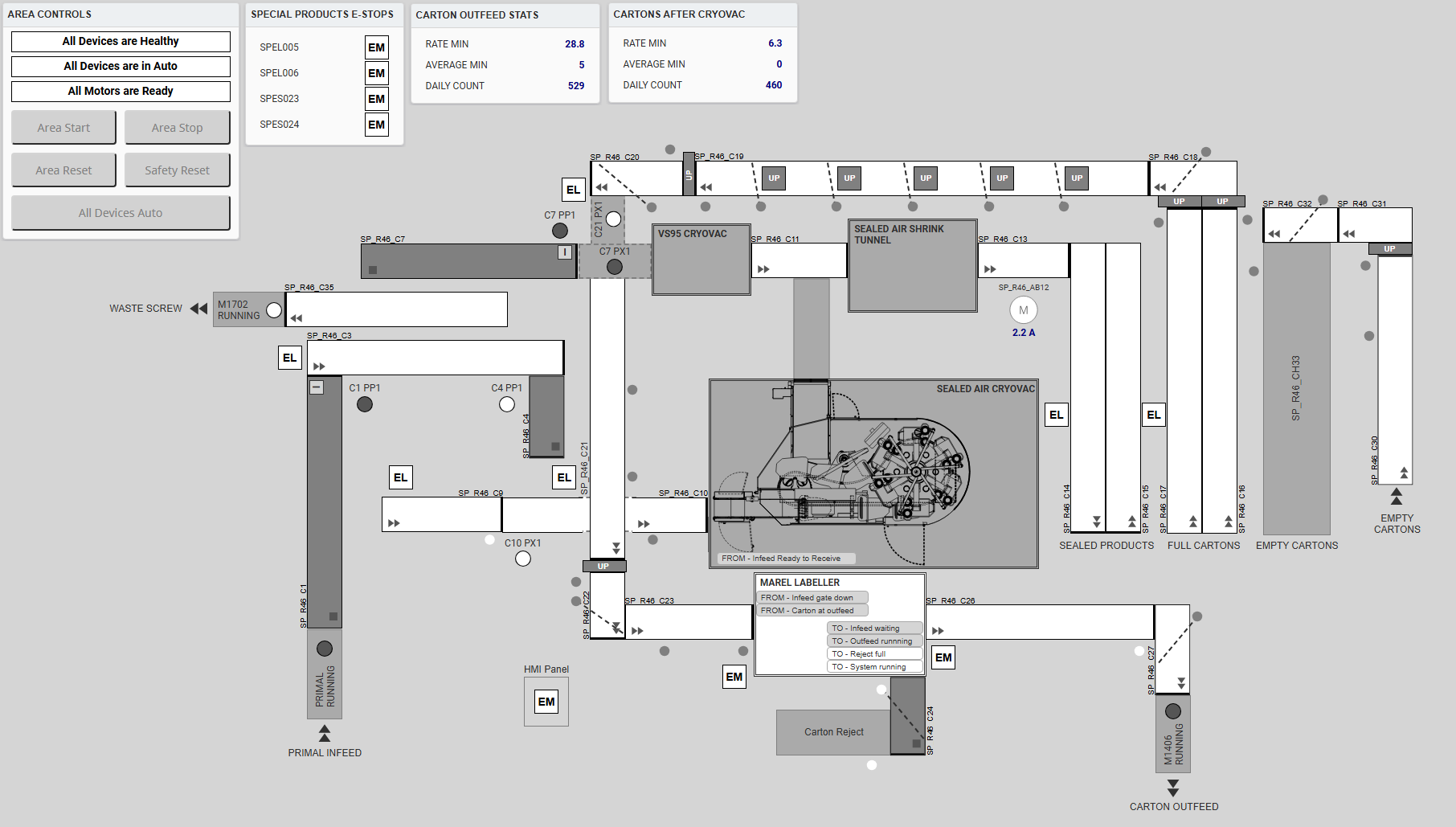
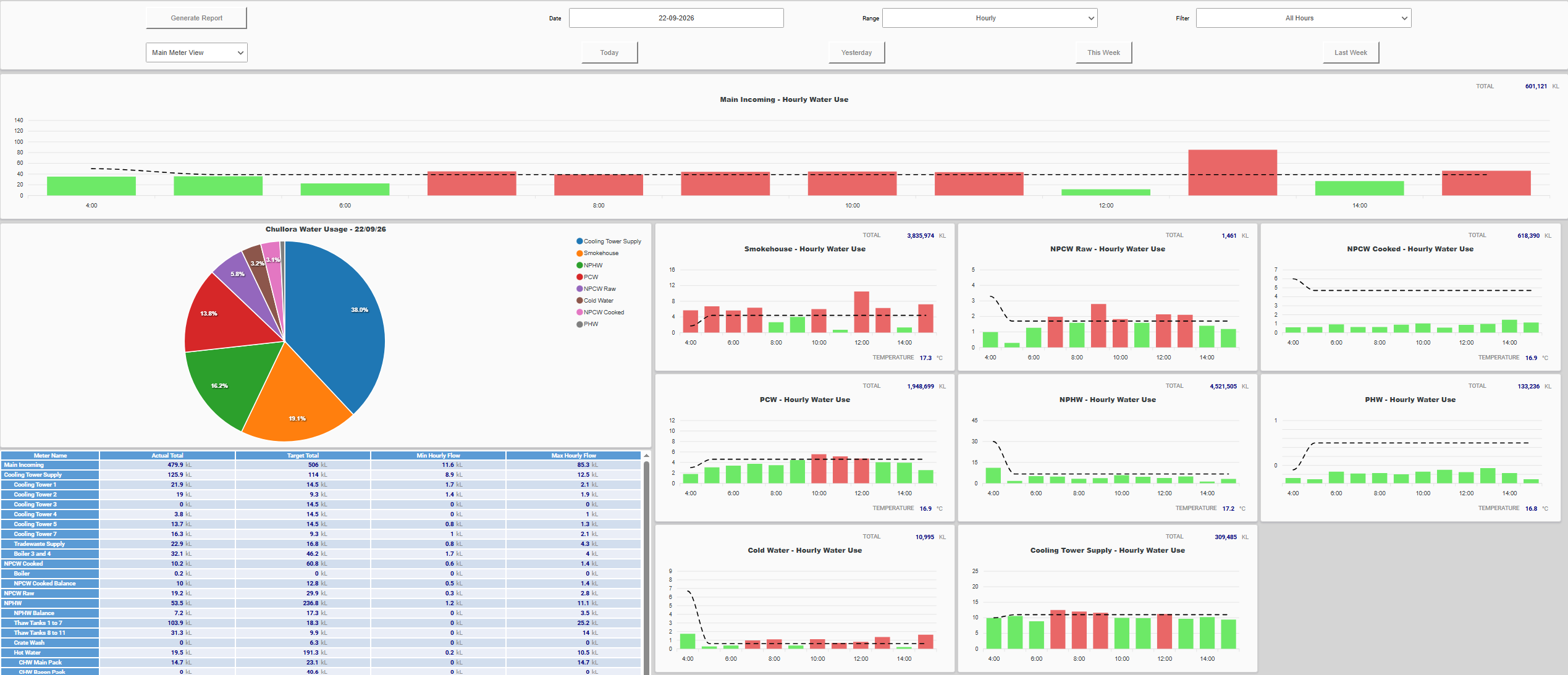
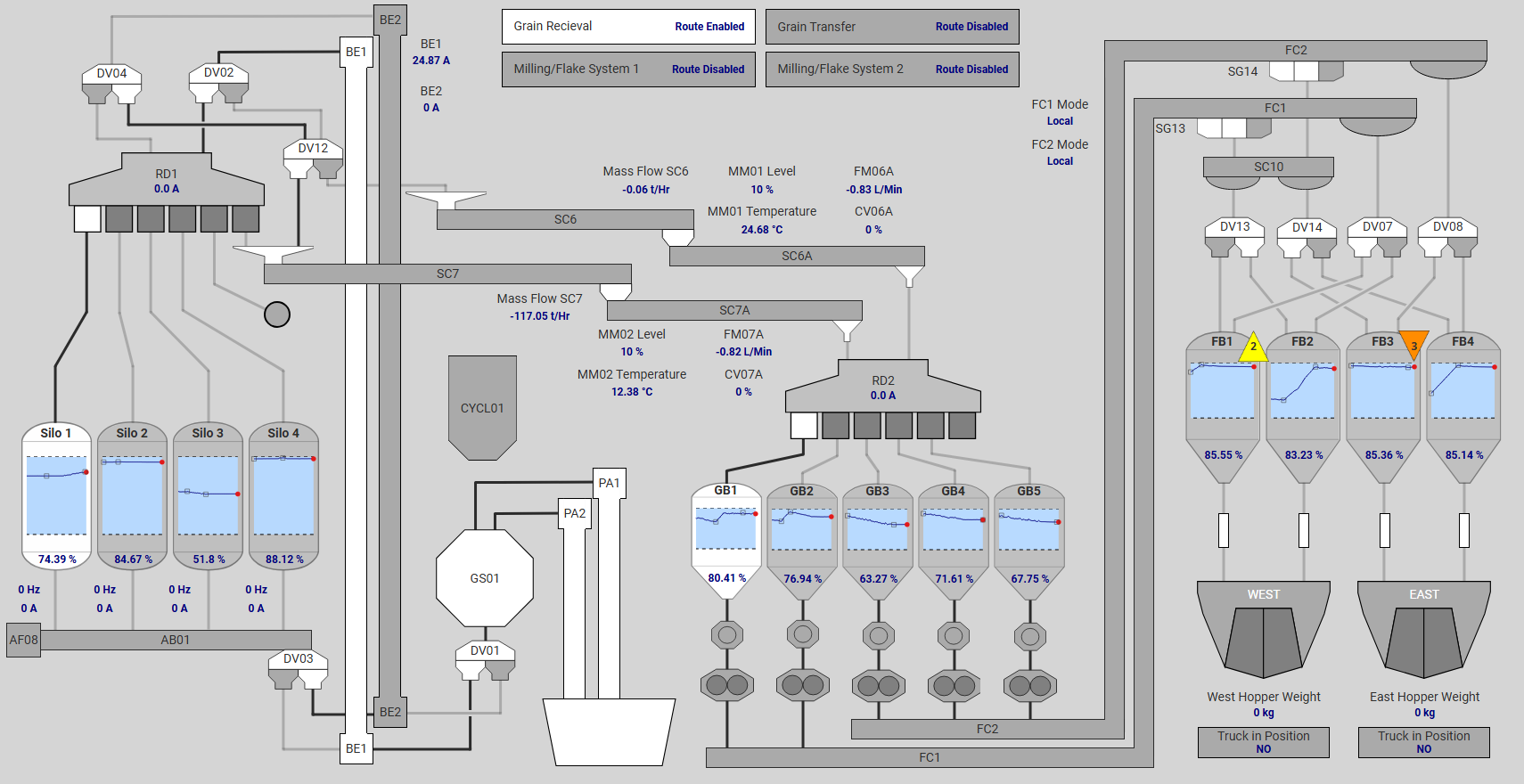
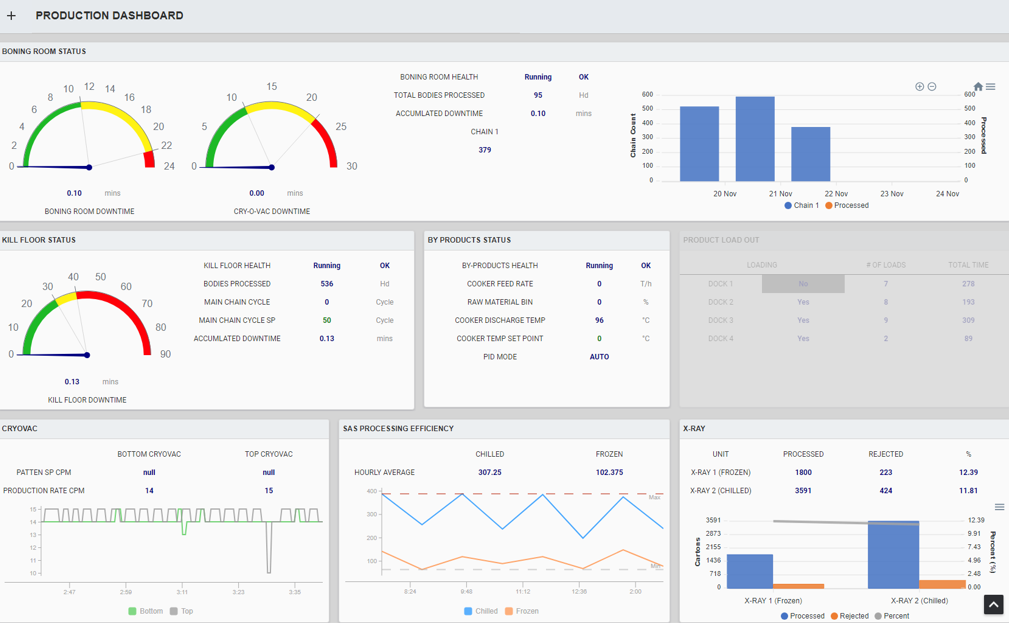
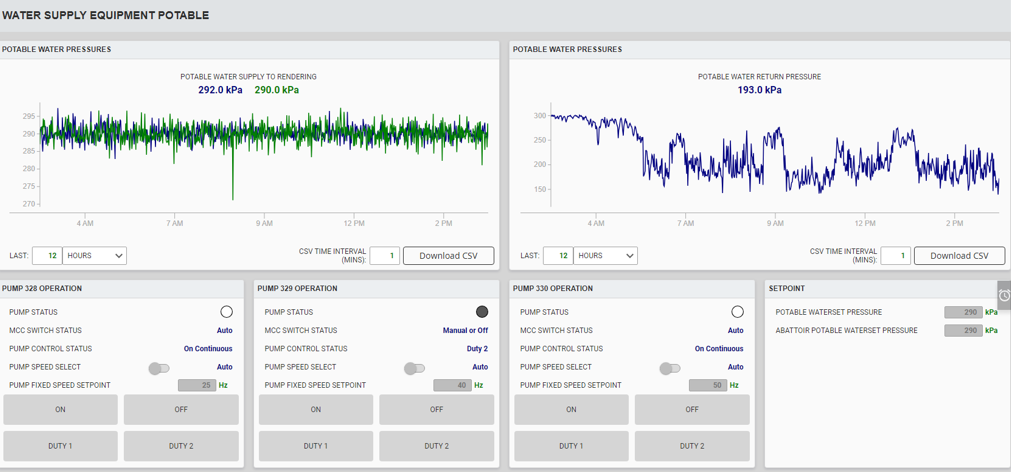
- High performance mimics and plant overviews on one graphics standard
- Sequence and recipe control, batch tracking and product changeover
- Alarm rationalisation and escalation to the right person on shift
- Historian, trending and automated production reporting
- Downtime and OEE capture at the machine
- Energy and utilities monitoring, metering integration and cost allocation
- Site to enterprise data paths over SQL, MQTT and REST
- Redundant gateways, Edge nodes at remote sites, versioned backups
Ignition Perspective
Ignition Edge
Ignition Vision
FactoryTalk View
CitectSCADA
ClearSCADA
A new system, a rebuild of an old one, or an extension to what you already run.
What we build
CONTROL AND SAFETY SYSTEMS
Logix and GuardLogix applications built from our standard object library, tested against a simulated process before the hardware exists, and proven on an energised system before it reaches your plant.
- ControlLogix, CompactLogix and GuardLogix applications
- GuardLogix safety programming, validated and recorded
- PowerFlex drives, E300 motor protection and networked motor control
- Process and machine sequence control, recipe and product changeover
- EtherNet/IP architecture, remote I/O and device level networks
- Instrumentation, weighing, flow and analytical integration
- Factory and site acceptance testing, loop checks and process commissioning
Allen Bradley
Siemens
CODESYS
Schneider Electric
Omron
Pilz
IFM
B&R Automation
Mitsubishi Electric
Send a specification, an I/O schedule or a set of P&IDs. We come back with scope, exclusions and a price.
Services
Migration, Audit and support
Most plants are not greenfield. These three carry the brownfield work, on systems we built and on systems we did not.
01
Upgrades and migrations
SLC500, PLC-5 and MicroLogix onto Logix, reviewed line by line rather than run through a converter. Legacy SCADA rebuilt on Ignition with tag and historian continuity. Staged against your production calendar, with a tested rollback before anything is touched.
02
Automation and network audit
Every device on the control network mapped, the infrastructure tested, the control and SCADA layer reviewed, and costed options returned in a report you can take to your board. A paid engagement with a defined scope.
03
Support and fault response
Secure remote access to the sites we support, so we are in the controller and the SCADA while the fault is still being described. Teams in Brisbane and the Riverina when it needs people on site. Including systems we did not build.
Tell us what you run now, what it is doing, and your shutdown windows.
How a control system gets delivered
Verification at every stage on the bench, validation on the plant.
Six stages from approved design to a running process. The quality checklist has to be at 100% before factory acceptance testing, delivery is signed off before anyone travels, and the engineers who wrote the system are the ones on the floor at the cutover.
Design handover accepted
Delivery does not start on a verbal scope. It starts when the approved design is formally handed over and accepted, so what gets built is what was agreed, and a change is visible as a change.
- The approved design is the input, not a moving target
- Scope changes are recorded rather than absorbed
Quality plan and version control
The quality checklist for the project is raised before development, and every controller, HMI and SCADA change is version controlled from the first day. The tests are defined while the requirements are still fresh, not written up afterwards to suit what was built.
- Quality checklist raised up front, from a standard template
- Full change history, not a folder of dated backups
- You get a current, restorable code set at handover
Development and simulation testing
Programming follows the approved design and the I2R standard objects, taken from the maintained library rather than written fresh each time. Sequences, interlocks and safety logic are tested against a simulated process while the hardware is still being built, and quality control runs alongside development rather than after it.
- Standard objects first, written from scratch only where nothing fits
- Simulation testing on every sequence and interlock before hardware exists
- Faults found at the desk cost hours, the same fault on site costs a shutdown
Verification review and QC gate
The system is verified against the approved design by an engineer who did not write it, and the quality checklist has to be at 100% before it is allowed into factory acceptance testing. Where it helps, we walk you through the screens and the sequences first, so your feedback lands while changes are still cheap.
- Independent verification against the design, progressive or final
- 100% checklist is a gate into FAT, not a target
- Client walkthrough before FAT when the project calls for it
Factory acceptance test
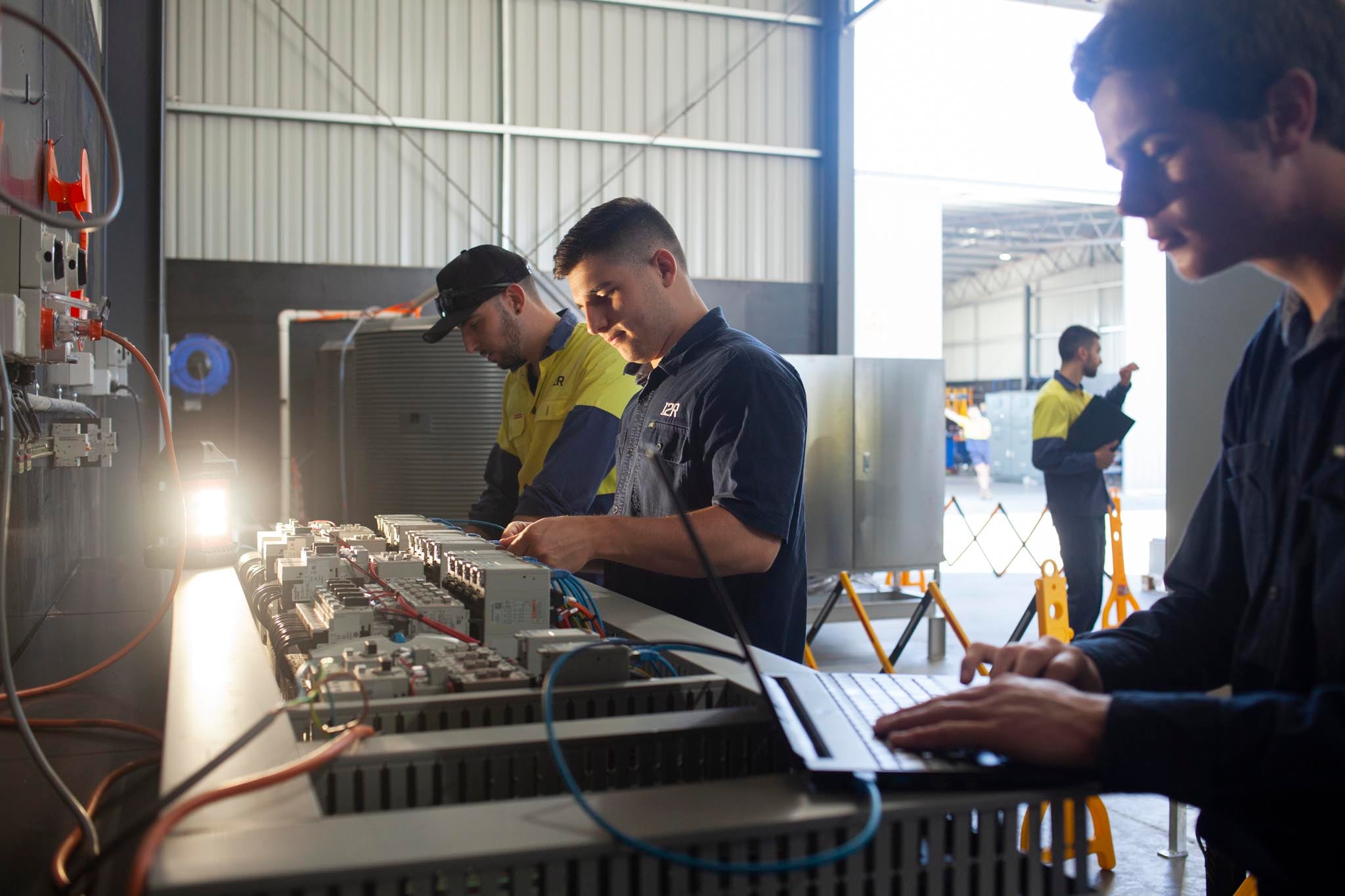
Validated against the design and the performance requirements on an energised system, to a standard test document, with I/O, drives, interlocks and safety functions proven point by point. You are welcome in the workshop for it, and the records are issued with the system.
- Proves the build before it leaves us, not on your plant floor
- Test records issued as a deliverable
Site acceptance, commissioning and support
The site acceptance test workbook is written before anyone travels, so site work is executed rather than improvised. Loop checks, sequence proving and process tuning are done on the plant with your operators, then the documentation, backups and code set are handed over and the same engineers support it.
- SAT workbook written from the design, not from memory
- Loop checks, sequence proving and process tuning on the plant
- Delivery signed off, documentation and backups handed over, then remote support
Get an I2r Automation Quote
Send your specification, I/O schedule, P&IDs or a description of the problem. One of our automation engineers will come back to you.